Why Yu-Gi-Oh Binders Get Messy Fast
Yu-Gi-Oh moves quickly. New archetypes arrive constantly, staples get reprinted in a dozen rarities, and a card can swing from bulk to chase in a single banlist update. A little structure keeps your binder from turning into chaos.
Here are the methods that work, plus how to plan them before you rearrange anything.
1. By Archetype
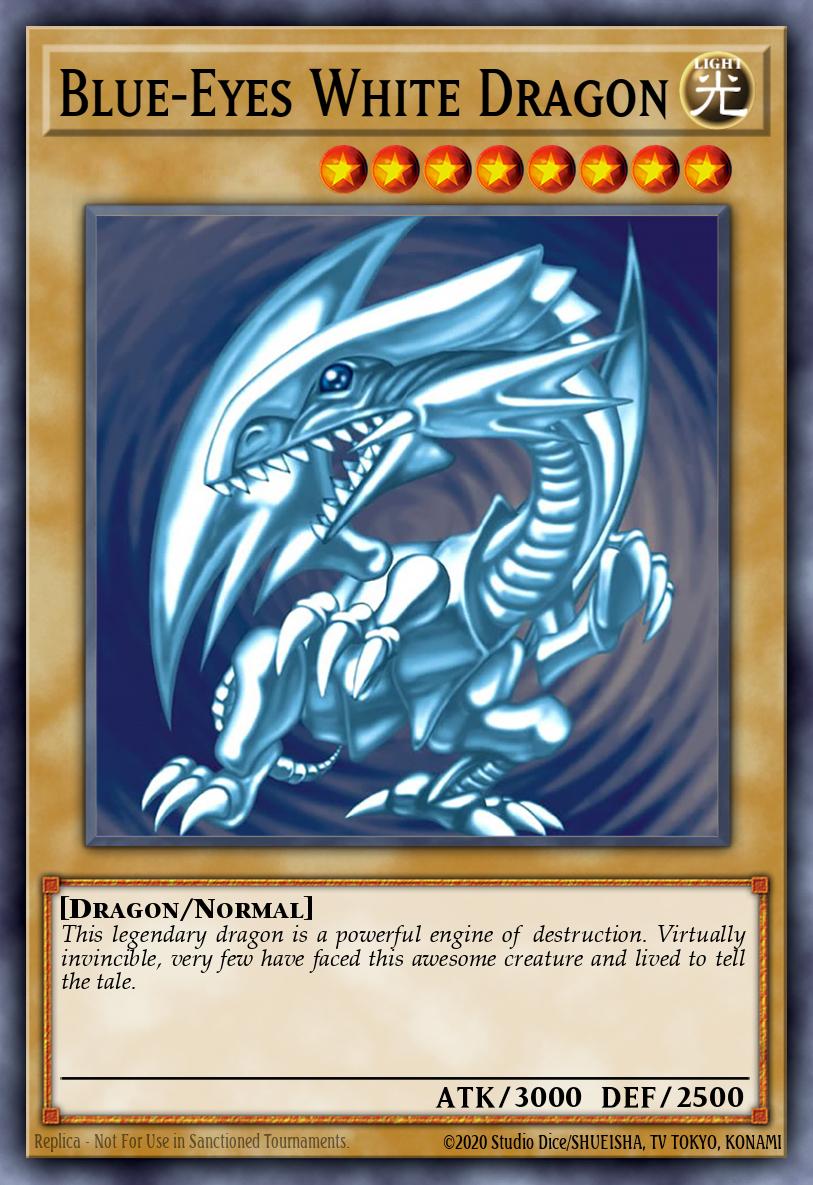
Group cards by the archetype they belong to. All your Blue-Eyes support together, all your Dark Magician cards together, and so on.
Best for: Players who build around specific themes and want deck parts in one place.
Pros: Deck building is fast, and each page feels cohesive.
Cons: Generic staples don't belong to any archetype, so give them their own section.
2. By Card Type
Split the binder into Monsters, Spells, and Traps, then sub-sort inside each.
Best for: Players who want a clean, predictable structure.
Pros: Simple and easy to maintain. You always know roughly where a card sits.
Cons: It groups by function, not by strategy, so deck parts get scattered.
3. By Rarity Showcase
Put your Secret Rares, Ultimate Rares, and Ghost Rares up front to show off the finishes, then work back toward commons.
Best for: Collectors who love the way premium Yu-Gi-Oh rarities catch the light.
Pros: Your binder becomes a highlight reel. Foils and textures shine on the front pages.
Cons: Same card, different rarity gets split up, which can annoy deck builders.
4. A Staples Page
Keep a dedicated page (or two) for the generic staples you slot into everything: hand traps, board breakers, and removal.
Best for: Competitive players who rebuild decks between events.
Pros: Your most-used cards are always in one predictable spot.
Cons: Staples rotate with the meta, so plan to refresh it now and then.
Plan the Pages First
The fastest way to a binder you actually like is to mock it up before you sleeve anything. Card art that looks great alone can clash side by side, and one move can cascade into an hour of reshuffling.
With AuraBinder you can search the full Yu-Gi-Oh database, drag cards into 2×2, 3×3, or 4×3 layouts, add foil and prismatic effects to preview premium rarities, and check live prices as you go. Get the page right on screen, then build it once.